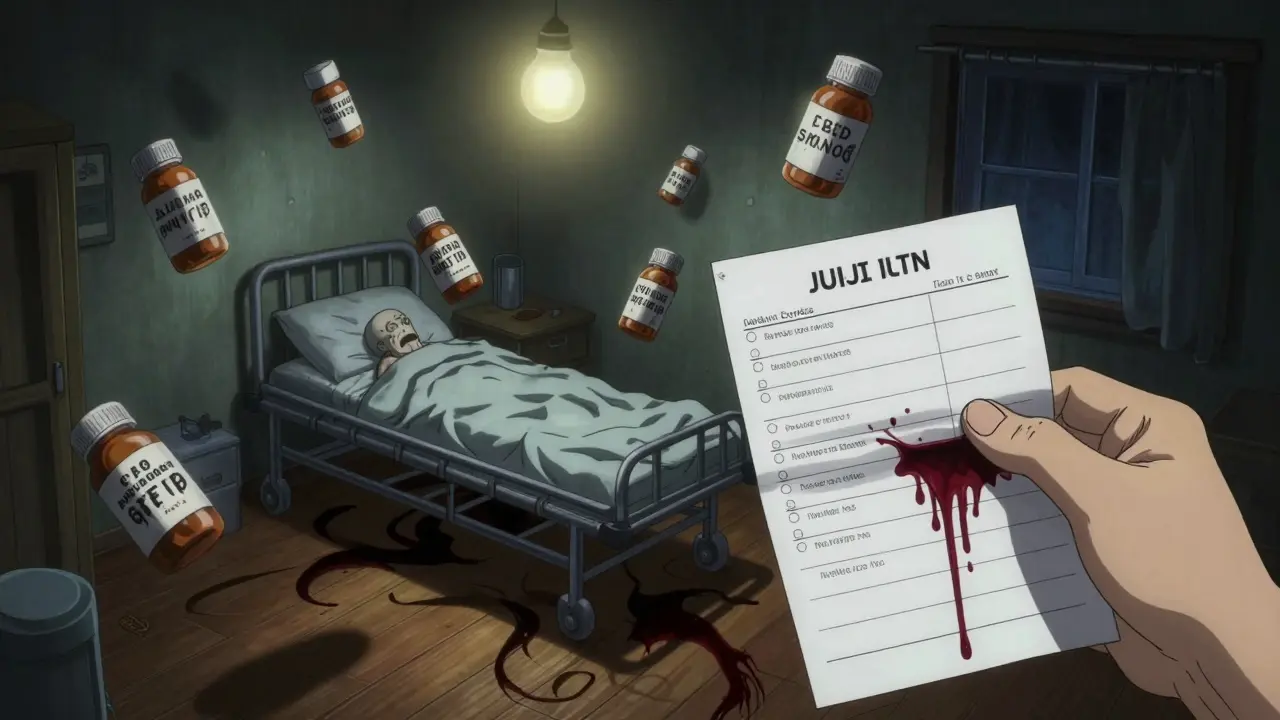
Why a Medication List Matters for Seniors
Most seniors take at least five medications every week. Some take ten, fifteen, or more - pills for blood pressure, diabetes, arthritis, sleep, anxiety, and supplements on top of that. It’s easy to lose track. One wrong dose, one missed pill, or one drug interaction can send someone to the hospital. In fact, medication errors cause about 7,000 deaths in the U.S. every year, and half of all older adults on multiple drugs experience problems because their meds aren’t tracked properly.
A clear, updated medication list isn’t just helpful - it’s lifesaving. It tells doctors what’s being taken, prevents duplicates, catches dangerous combinations, and helps caregivers respond quickly in emergencies. When paramedics arrive or a senior ends up in the ER, the first thing they ask is: “What are they taking?” If you don’t have an answer, you’re guessing. And guessing with medications is dangerous.
What to Include on a Medication List
A good list doesn’t just say “blood pressure pill.” It gives full details so anyone - a nurse, pharmacist, or family member - can understand exactly what’s being taken and why.
For every medication, write down:
- Brand name and generic name - e.g., “Lisinopril (Zestril)”
- Dosage - e.g., “10 mg,” not “one pill”
- Frequency - “once daily,” “every 8 hours,” “as needed for pain”
- Purpose - “for high blood pressure,” “for arthritis pain,” “for sleep”
- Special instructions - “take with food,” “do not crush,” “avoid alcohol,” “take on empty stomach”
- Start date - When was this medication first prescribed?
- Prescribing doctor - Name and clinic or hospital
- Pharmacy name and phone - Where is it filled?
- Side effects to watch for - Dizziness? Confusion? Swelling? Write them down.
- Allergies - List every drug, food, or substance that caused a reaction.
- Stop date - If it’s a short-term prescription, note when it ends.
- NDC number - Found on the pill bottle label. Helps pharmacies avoid mix-ups.
Don’t forget over-the-counter meds and supplements. Many people think “natural” means safe, but things like fish oil, garlic pills, or vitamin K can interfere with blood thinners. Treat them like prescriptions.
Choose the Right Format: Paper, Digital, or Both
There’s no one-size-fits-all format. What works for one family won’t work for another. But here’s what experts agree on: have both a paper copy and a digital backup.
Paper lists are still used by 63% of caregivers because they’re simple, don’t need batteries, and can be handed to ER staff in a hurry. Use a clean, large-font document. Laminate it or put it in a plastic sleeve so it doesn’t get smudged or wet. Keep it in a wallet, purse, or taped to the fridge.
Digital lists are better for complex regimens. Apps like Medisafe, MyMeds, or even a shared Google Doc let you update in real time and send updates to multiple people. Digital tools reduce errors by 42% when someone takes more than four medications. But here’s the catch: 62% of caregivers over 65 find apps too confusing. If your parent or loved one isn’t tech-savvy, don’t force it.
The best system? A laminated paper list for emergencies, and a digital version (like a Google Sheet) that you update after every doctor visit. Share the digital version with all caregivers via email or messaging. Set up automatic reminders for refills and doses.

How to Build the List: A Step-by-Step Guide
Don’t try to wing it. Start with a full inventory.
- Gather everything - Go through every drawer, cabinet, and bedside table. Collect all pills, patches, inhalers, eye drops, and supplements. Put them in a brown paper bag - this is called the “brown bag method.”
- Match each pill to its bottle - Don’t assume. A white pill could be aspirin, a blood pressure drug, or a sleep aid. Check the label. If a bottle is empty or missing, call the pharmacy.
- Write down every item - Use the 12-point checklist above. Take your time. This step takes 2-3 hours, but it’s the most important one.
- Organize by time of day - Group meds into morning, afternoon, evening, and bedtime. This makes it easier to use a pill organizer.
- Create two copies - One for home, one for a caregiver to carry. Save a digital copy on your phone and email it to trusted family members.
- Share with every provider - Give a copy to the primary doctor, cardiologist, pharmacist, and any specialist. Ask them to note any changes in writing.
After the first setup, update the list within 24 hours of any change - even if it’s just a new dose or a discontinued pill. Hospital discharge papers often contradict what’s on your list. Always double-check.
Keep It Updated - Weekly Maintenance
Medication lists aren’t set-and-forget. They need weekly attention.
Set a routine: Sunday evenings work best for 87% of caregivers who stick with it. Spend 15-20 minutes:
- Check for new prescriptions or refills
- Remove empty bottles from the list
- Confirm doses with the pharmacy
- Update any changes from doctor visits
- Ask: “Is this still needed?”
Use a simple color-coding system: green for daily meds, yellow for as-needed, red for high-risk drugs like blood thinners. One caregiver on Reddit used photos of each pill next to its name - no more guessing what a tiny white pill is.
For “as needed” meds (like painkillers or anti-anxiety pills), keep a separate PRN log. Write down when it was taken and why. This helps avoid overuse.
Common Problems and How to Fix Them
Even the best systems hit snags. Here’s what usually goes wrong - and how to solve it.
- Too many doctors, too many lists - Designate one person as the medication coordinator. They’re the only one who talks to the pharmacy and updates the list. Everyone else checks with them.
- Confusing instructions - If you don’t know why a drug is taken, call the pharmacist. They’re trained to explain this. Don’t guess.
- Digital tools are too hard - Stick to paper. Or use a tablet with big icons. Some pharmacies now offer free printed medication schedules with photos of pills.
- Medications change during hospital stays - Always bring the brown bag to the hospital. Ask: “What’s new? What’s stopped? Why?” Get it in writing before discharge.
- Forgetting to update - Set a phone reminder for every Friday at 5 p.m. “Update meds.”
When to Call a Pharmacist
Pharmacists are medication experts - and they’re free to consult. Most pharmacies offer a free Medication Therapy Management (MTM) service if the person takes eight or more drugs. That’s now required by Medicare Advantage plans.
Ask your pharmacist to:
- Review the full list for duplicates or dangerous interactions
- Identify medications that may no longer be needed
- Explain what each drug does in plain language
- Check for cheaper generic alternatives
One study found that pharmacist reviews catch inappropriate medications in 27% of older adults. That’s one in four people who might be taking something they don’t need - or worse, something harmful.
Real Stories, Real Results
One caregiver in Ohio kept her mother’s meds on sticky notes. After a hospital stay, two pills were accidentally doubled up. Her mother ended up in the ICU with dangerously low blood pressure.
She started over. She made a laminated chart with photos of each pill. She wrote the purpose next to each one. She gave copies to her sister, the home nurse, and the pharmacy. Six months later, she said: “I’ve prevented three near-misses already. I sleep better now.”
Another family in Texas used the “brown bag” method at every doctor visit. Their doctor spotted a supplement that was interacting with a heart drug - a problem no one had noticed for two years.
These aren’t rare wins. They’re what happens when you treat medication management like a system - not a chore.
What’s Coming Next
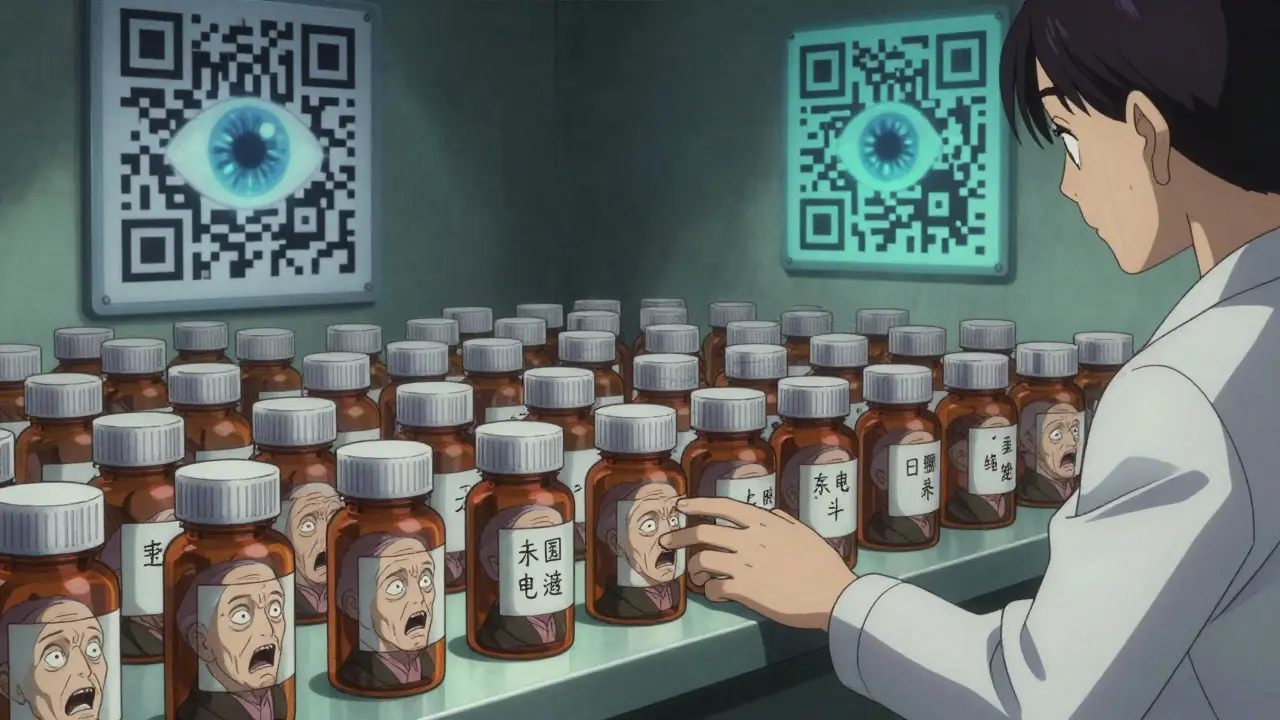
Medication lists are evolving. In 2023, the FDA rolled out a new template with QR codes you can scan to see a photo of the pill and its side effects. CVS and Walgreens now sync your digital list automatically when you refill a prescription.
By 2025, federal rules will require all electronic health records to give patients direct access to their full medication list. Voice assistants like Alexa and Google Home are starting to let caregivers say, “What meds did Mom take this morning?” - and get a voice reply.
But for now, the simplest tool still works best: a clear, written list, updated regularly, shared with everyone involved. It’s low-tech. It’s cheap. And it saves lives.





9 Comments
Naomi Walsh
February 2, 2026 AT 08:58 AMLet’s be real - if you’re still using paper lists in 2024, you’re one step away from mailing your meds via carrier pigeon. The FDA’s new QR code system alone makes this entire post feel like a museum exhibit. I’ve got my entire regimen synced to Apple Health with automated alerts, pill recognition via camera, and direct EHR integration. If your ‘system’ requires laminating, you’re not managing medication - you’re curating a time capsule.
Bob Cohen
February 2, 2026 AT 16:18 PMWow. This is actually… kind of amazing? Like, I didn’t know you could put NDC numbers on a list - I thought those were just for pharmacists to squint at. But honestly? I’m just glad someone finally wrote this down without making it sound like a corporate compliance manual. My grandma still uses sticky notes. She’s alive. That’s the real metric, folks.
Aditya Gupta
February 4, 2026 AT 02:58 AMBro this is gold. I made a google sheet for my dad after he mixed up his blood thinner with his vitamin D. Now we update it every Sunday. No more panic calls at 2am. Also, use photos of pills. Real ones. Not those blurry pharmacy labels. My aunt thought she was taking aspirin but it was actually a sleeping pill. She slept for 18 hours straight. 😅
Nancy Nino
February 5, 2026 AT 20:08 PMWhile I appreciate the earnestness of this guide, it is, regrettably, a grossly inadequate response to a systemic failure in geriatric pharmacovigilance. The reliance on paper-based documentation in an era of interoperable EHRs is not merely outdated - it is an ethical liability. One must question the institutional complacency that permits such analog workarounds to persist in the face of quantifiable mortality data.
Jaden Green
February 7, 2026 AT 14:33 PMLet me just say - this entire post is a symptom of the medical-industrial complex’s failure to centralize patient data. Why should a 78-year-old woman have to manually track 14 medications? Why isn’t the VA, Medicare, and every pharmacy network sharing a single, blockchain-secured, AI-monitored master list? The fact that we’re still telling people to laminate paper lists is proof that we’ve surrendered to bureaucracy. And don’t even get me started on ‘as-needed’ meds - that’s just a loophole for pharmaceutical companies to keep prescribing. I’ve seen it. I’ve documented it. Nobody listens.
Angel Fitzpatrick
February 8, 2026 AT 23:37 PMThey don’t want you to know this, but every pill bottle has a microchip embedded in the foil lining. The NDC number? It’s a tracker. The ‘QR code’ they’re pushing? It’s not for you - it’s for the pharmaceutical conglomerates to monitor compliance patterns and adjust dosages remotely. They’ve been doing it since 2019. That’s why your ‘medication list’ is useless - it’s not about what you take, it’s about what THEY say you’re taking. And if you’re not using a Faraday cage to store your pills? You’re already compromised.
Nidhi Rajpara
February 9, 2026 AT 23:32 PMIt is imperative to note that the inclusion of the NDC number, while technically correct, may lead to confusion among non-medical caregivers due to its alphanumeric complexity. Furthermore, the term ‘as needed’ should be replaced with the more precise ‘prn’ to align with clinical documentation standards. I have personally corrected three such errors in my mother’s list, and her pharmacist commended the accuracy.
Donna Macaranas
February 10, 2026 AT 23:45 PMI just printed this out and taped it to the fridge next to the grocery list. My mom’s meds used to be in a shoebox with a post-it that said ‘blue one = morning.’ Now she knows what each pill is for. We don’t need fancy apps. We just need to stop pretending we’re not overwhelmed. This helped. Thank you.
Jamie Allan Brown
February 11, 2026 AT 07:42 AMThank you for writing this. I’ve been the ‘medication coordinator’ in my family for five years. No one else wants to do it. I used to get angry about it - until I realized: this isn’t a chore. It’s love in action. I don’t care if it’s paper or digital. What matters is that someone is holding the line. And that’s you. Keep going.