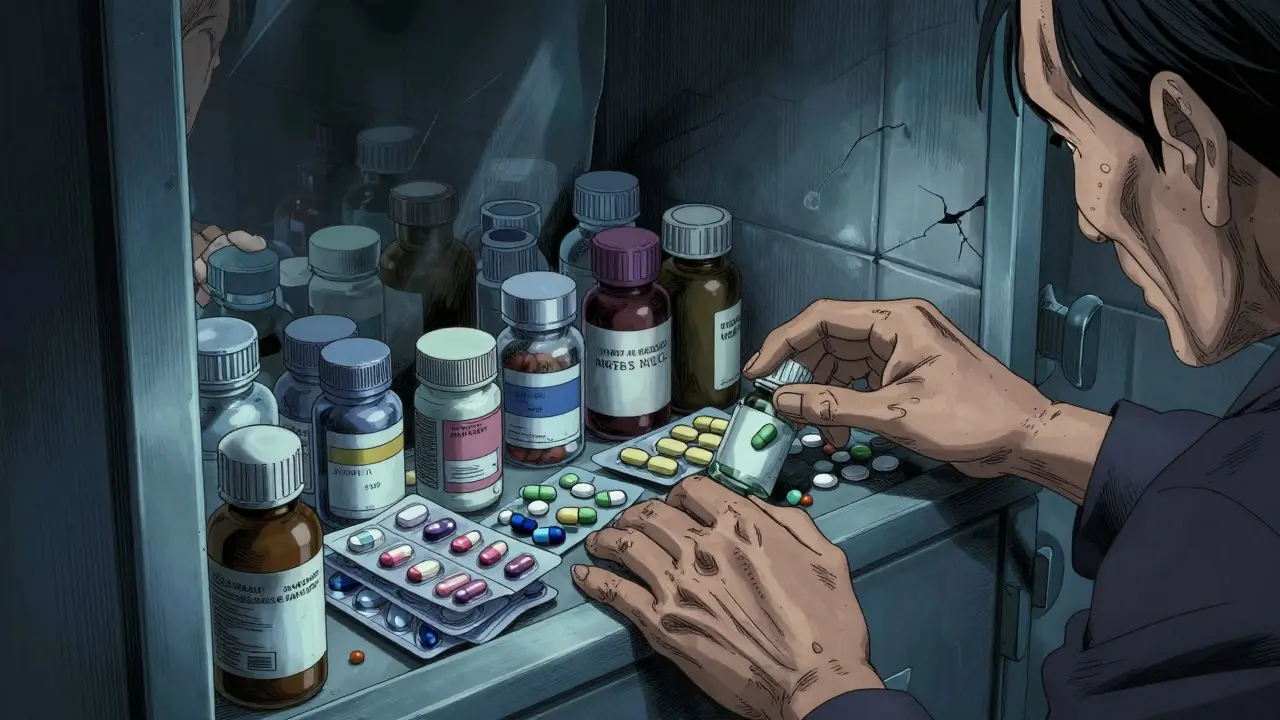
Take a look at your medicine cabinet. If you or a loved one are over 65, there is a strong chance you are juggling five or more different medications daily. This is known as polypharmacy, a condition where the risk of adverse effects spikes dramatically because drugs can interfere with each other in unexpected ways. According to recent data from the National Institutes of Health (NIH), nearly half of Americans over 65 take at least five prescription drugs. Add in over-the-counter pain relievers and dietary supplements, and the potential for conflict becomes overwhelming. That is exactly where pharmacy apps come in. These digital tools act as your personal safety net, scanning your list of meds to flag dangerous combinations before they cause harm.
But not all apps are created equal. Some are designed for doctors and offer deep clinical data, while others are built for patients and focus on ease of use. Choosing the right tool and using it correctly can mean the difference between safe treatment and a hospital visit. Here is how to navigate this landscape effectively.
Understanding the Core Function: What Do These Apps Actually Do?
At their heart, these applications serve as point-of-care clinical decision support systems. They don't just tell you if two drugs "clash"; they explain why. When you input your medications, the app cross-references them against massive databases containing thousands of drug monographs. These monographs include specific details like dosing limits, contraindications, and black box warnings from the FDA.
The primary goal is to reduce medication errors, which the FDA estimates cause approximately 1.3 million injuries annually in the U.S. By providing instant access to interaction data, these apps help users identify three main types of conflicts:
- Contraindications: Combinations that should generally be avoided due to high risk.
- Major Interactions: Pairs that require close monitoring or dose adjustments.
- Moderate/Minor Interactions: Less severe conflicts that might be manageable but still worth noting.
Modern versions of these tools have evolved beyond simple text lists. Many now feature camera-based pill identification, allowing you to snap a photo of an unknown tablet to identify it by its color, shape, and imprint. Others include barcode scanning for quick entry of store-bought supplements. This technology turns your smartphone into a portable reference library, accessible even when you are away from a computer.
Choosing the Right App: Professional vs. Consumer Tools
The market for medication management software has grown rapidly, reaching a valuation of $3.2 billion in 2023. However, the user experience varies significantly depending on whether you are a healthcare provider or a patient. Understanding this distinction is crucial for selecting the right tool.
| App Name | Primary Audience | Key Feature | Cost Model |
|---|---|---|---|
| Epocrates | Healthcare Professionals & Patients | Fast interaction checking, pill ID | Free base / ~$49.99/mo premium |
| Lexicomp | Hospital Pharmacists | Offline database, IV compatibility | ~$199/year professional |
| UpToDate | Clinicians | Tracks 50+ meds, overdose protocols | ~$499/user/year institutional |
| Drugs.com | General Public | Free A-Z database, FDA alerts | Free (Ad-supported) |
| Medisafe | Patients & Caregivers | Dosing reminders, caregiver sync | Freemium |
If you are a patient managing your own health, apps like Medisafe or the free version of Drugs.com are often the most practical starting points. They prioritize simplicity and adherence tracking. On the other hand, if you work in healthcare or need granular detail for complex cases, professional-grade tools like Epocrates or Lexicomp offer deeper insights. Epocrates, for instance, holds about 45% of the physician market share, largely due to its speed and ease of use during patient encounters. Lexicomp dominates hospital settings, particularly because it stores its entire database locally on the device, ensuring access even without internet connectivity.
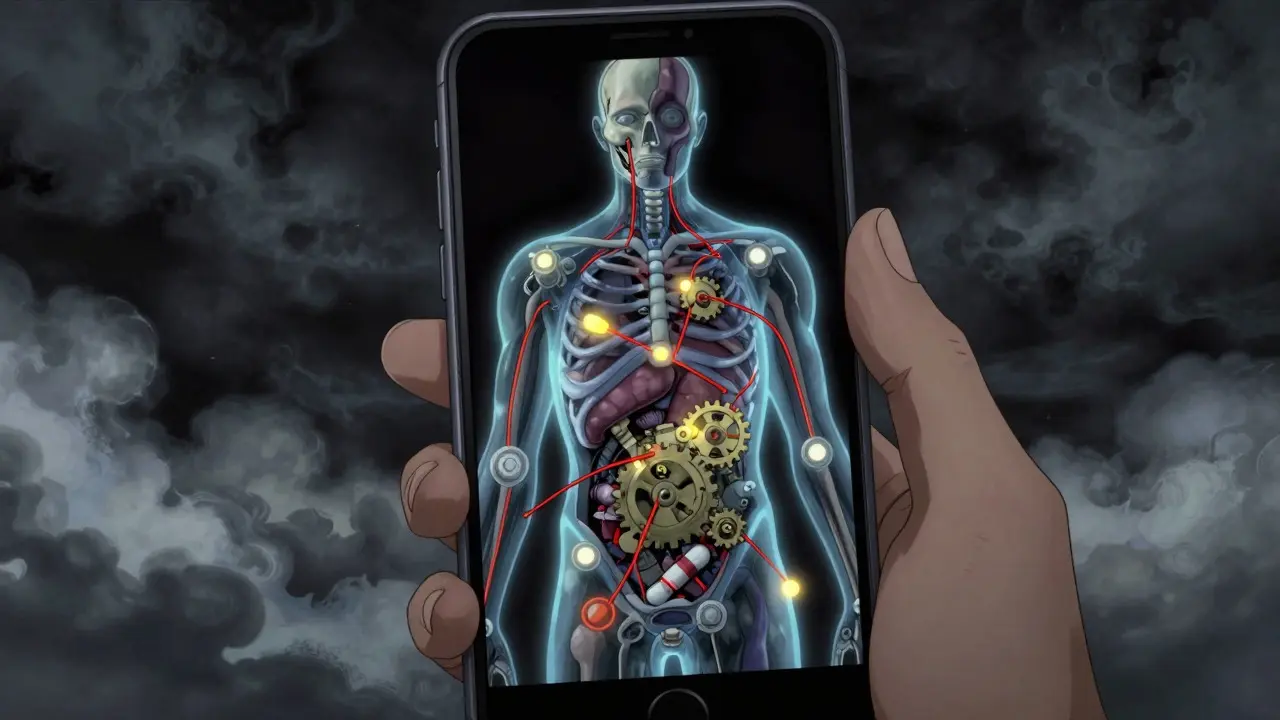
Step-by-Step: How to Run an Effective Interaction Check
Having the app is only half the battle. Using it correctly requires a systematic approach. Here is a workflow that ensures you catch the most critical issues:
- Compile a Complete List: Do not just list prescriptions. Include every over-the-counter medication, vitamin, mineral, and herbal supplement you take. Many interactions occur between prescription drugs and common OTC items like ibuprofen or St. John's Wort.
- Input Data Accurately: Use the search function, barcode scanner, or pill identifier features. If you have an unknown pill, use the camera tool. For example, Epocrates' camera-based ID achieves roughly 92% accuracy in identifying tablets by their physical characteristics.
- Review the Severity Levels: The app will categorize findings. Pay closest attention to "Contraindicated" and "Major" labels. These indicate high risks such as increased bleeding, heart rhythm changes, or reduced drug effectiveness.
- Check for Food Interactions: Many apps now include food-drug interaction data. For instance, certain antibiotics require taking them with or without food to ensure proper absorption. Verify these instructions directly in the app's monograph section.
- Verify with a Second Source: For high-risk combinations, always double-check with a second source or consult your pharmacist. No app is infallible, and human judgment remains essential for context-specific decisions.
This process typically takes less than five minutes once you are familiar with the interface. Clinicians report achieving proficiency in as little as 15 to 30 minutes of initial use, so do not let the learning curve deter you.
Common Pitfalls and How to Avoid Them
Even with powerful tools, mistakes happen. One of the biggest traps is relying solely on free consumer apps for complex cases. A study published in the Journal of the American Medical Association (JAMA) Internal Medicine found significant discrepancies in severity grading between major apps for about 28% of drug pairs. Furthermore, research suggests that many free apps may miss 30-40% of significant interactions compared to professional databases.
Another common error is forgetting to update your list. If you stop taking a medication or start a new one, make sure to adjust your profile in the app immediately. Outdated data leads to false alarms or, worse, missed conflicts. Additionally, be wary of advertising interruptions. While ad-supported models keep costs low, pop-up ads during a critical check can be distracting. If you find yourself constantly tapping through ads, consider investing in a premium subscription for a cleaner, faster experience.
Finally, do not ignore the "minor" interactions entirely. While they may not be immediately dangerous, they can contribute to long-term side effects or reduced efficacy. Discuss any recurring minor flags with your doctor to see if they warrant a change in therapy.

The Future of Medication Safety: AI and Personalization
The technology behind these apps is evolving fast. We are moving toward AI-enhanced prediction capabilities. For example, newer versions of leading apps now use machine learning to predict potential interactions based on a patient's specific comorbidities, such as kidney disease or liver function. This personalized approach aims to provide more accurate risk assessments than generic database matches.
Regulatory pressures are also accelerating adoption. Since 2022, the Centers for Medicare & Medicaid Services (CMS) have required medication interaction checks for all Medicare Part D prescriptions. This mandate has pushed both pharmacies and patients to become more proactive about tracking their regimens. As interoperability standards like FHIR improve, we can expect these apps to integrate more seamlessly with Electronic Health Records (EHRs), creating a unified view of your medical history.
For seniors, specialized features are emerging. Newer platforms are introducing age-specific metabolism adjustments, recognizing that drug processing slows down with age. This level of detail helps caregivers manage complex schedules for elderly relatives more safely.
Frequently Asked Questions
Are pharmacy apps accurate enough to replace asking my pharmacist?
No, they are complementary tools, not replacements. While professional apps identify up to 98.7% of clinically significant interactions, context matters. Your pharmacist knows your full history, allergies, and lifestyle factors that an app might miss. Always use the app to prepare questions for your pharmacist rather than making final decisions alone.
Do I need to pay for a premium subscription?
It depends on your needs. Free apps like Drugs.com are sufficient for basic checks and occasional use. However, if you manage multiple chronic conditions or take more than five medications, a premium service like Epocrates or UpToDate offers faster processing, offline access, and deeper clinical data, which can save time and reduce anxiety.
Can these apps track herbal supplements?
Yes, most modern pharmacy apps include databases for common herbal supplements and vitamins. However, coverage can vary. Make sure to manually add any niche or brand-specific supplements if they do not appear in the auto-search. Interactions between herbs and prescription drugs are a leading cause of adverse events, so thoroughness is key.
What should I do if the app says a combination is "contraindicated"?
Do not stop taking either medication abruptly without consulting a doctor. Instead, note the warning and contact your healthcare provider. They may confirm the risk and suggest an alternative, adjust the timing of doses, or monitor you closely. In rare emergencies, call emergency services if you experience severe symptoms like difficulty breathing or chest pain.
How often should I update my medication list in the app?
Update your list immediately whenever you start, stop, or change the dosage of any medication or supplement. Regularly reviewing your list during annual physicals or seasonal changes (like switching from allergy meds to cold remedies) also helps maintain accuracy.